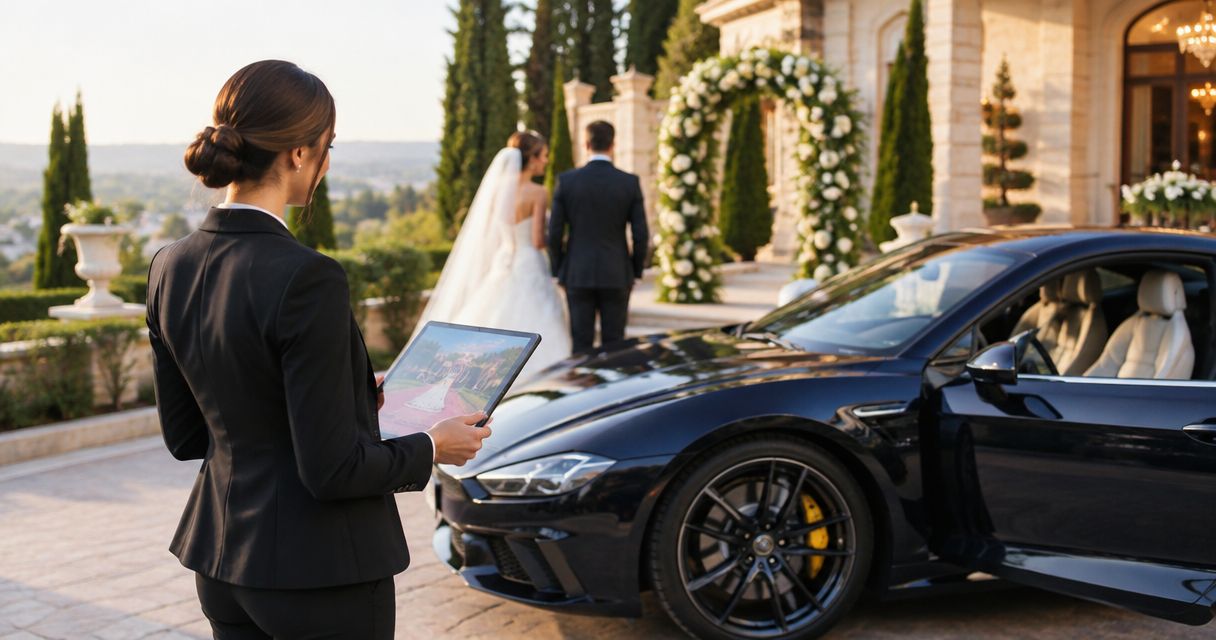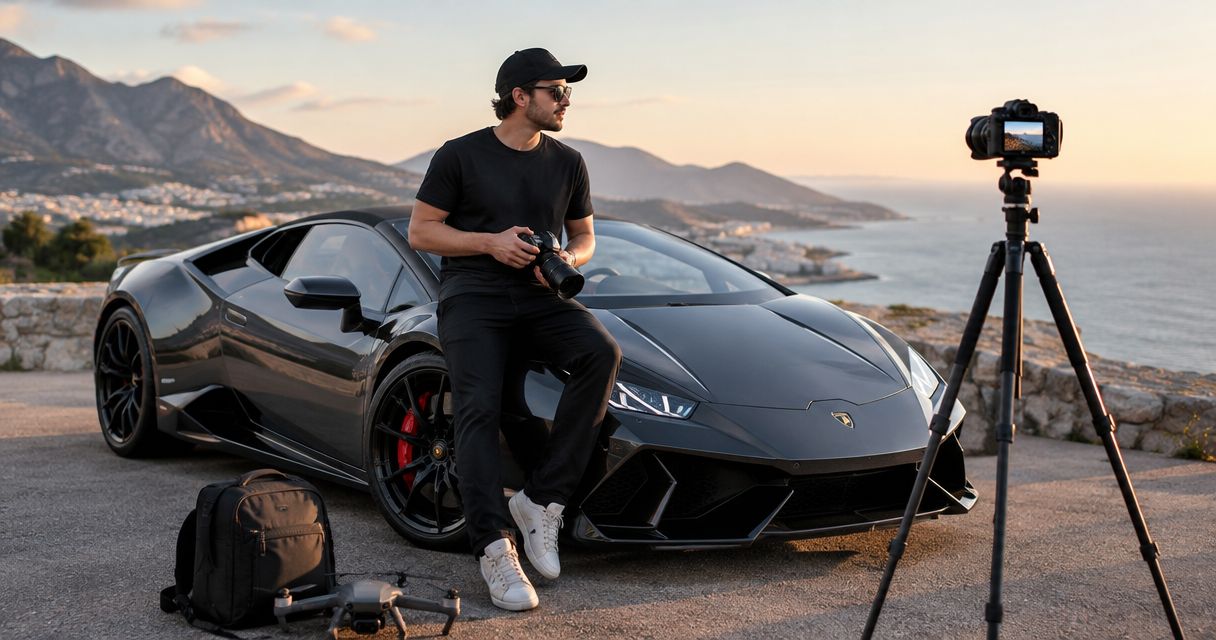
Exotic car rental for content creators is booking a vehicle as a production asset to create automotive videos, photographs, and branded campaigns; this 2026 guide explains how to plan the shoot. Your booking needs to account for filming permission, camera placement, location access, and delivery—not just the drive.
- Exotic car rental for content creators starts with filming permission, a shot list, and a confirmed vehicle.
- Exotics on the Coast suits Gulf Coast creators seeking exotic car rental with door-to-door delivery.
- Choose Lamborghini, Porsche, or Corvette around the creative brief—not an assumed specification or paint color.
- Confirm commercial use, drivers, equipment restrictions, and location access before committing your production schedule.
Why exotic car rental matters for content creators
The right rental supports a specific story; the wrong rental becomes an expensive background. A vehicle review needs different access from a fashion campaign, property walkthrough, or travel reel. Decide whether the car is the subject, the setting, or transport between scenes before choosing a model.
Exotics on the Coast rents a fleet of 21+ exotic and luxury vehicles with door-to-door delivery across Sarasota, Tampa, and Florida’s Gulf Coast. That service area gives local creators a starting point for coordinating a vehicle with a production location. Confirm the exact delivery address and proposed filming activity before treating either as arranged.
For your 2026 production plan, separate the rental agreement from the creative brief. A confirmed car does not establish permission to film at a hotel entrance, attach a camera mount, or use the vehicle in an advertisement. Those are separate questions requiring clear answers.
How to plan your creator car rental
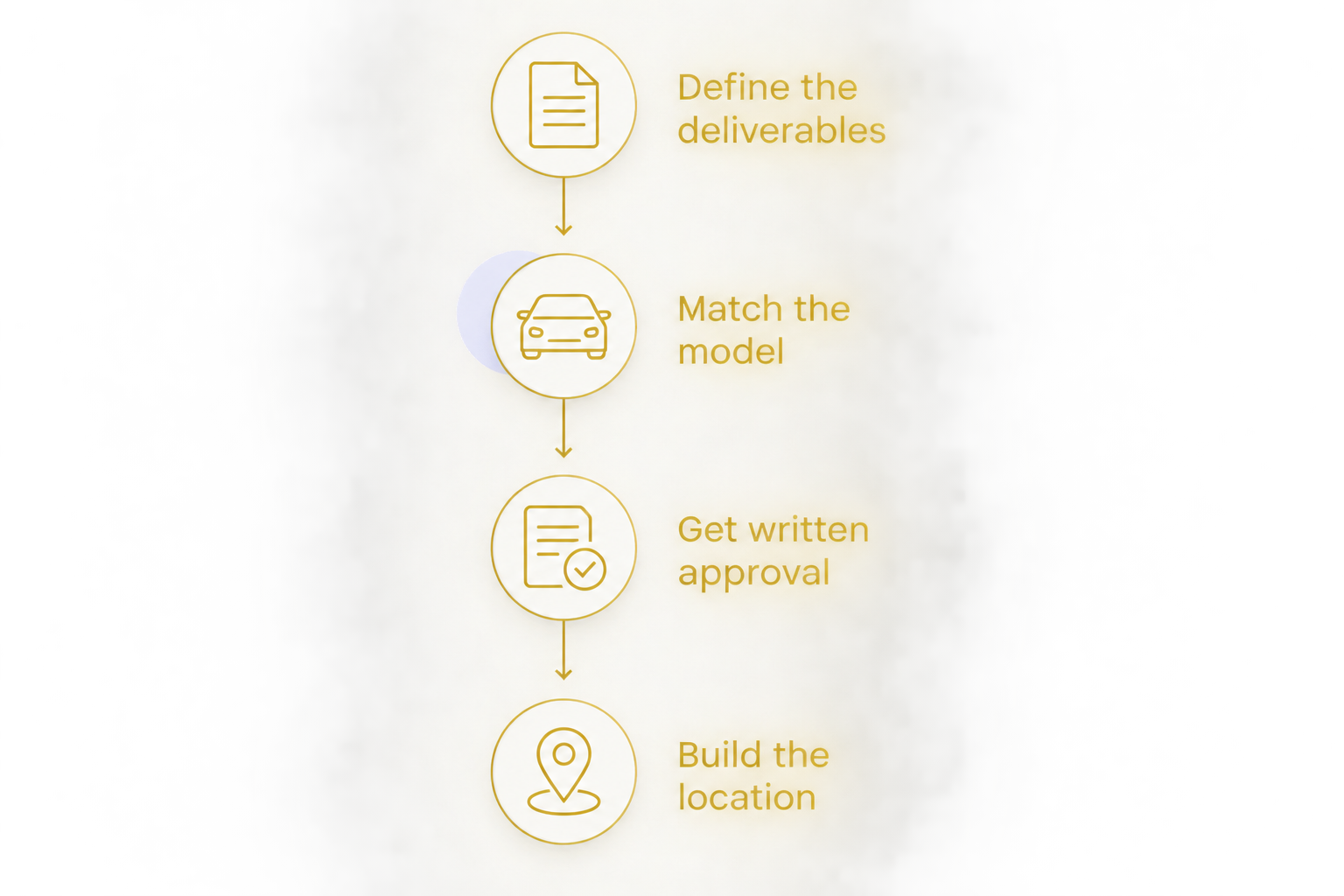
Define the deliverables
Start with a shared document listing what you must publish. Write the opening shot, the central action, and the closing frame before browsing vehicles. This keeps the rental tied to an actual deliverable rather than a vague plan to capture content.
As a planning example, outline a 30-second main video, a 15-second teaser, and a set of vertical photographs. These are suggested production targets, not rental requirements. Decide which shots genuinely require the vehicle to move; a static sequence needs a different setup from a driving review.
Your 2026 brief should also identify whether the content is editorial, sponsored, or advertising. Give the rental company the real use case instead of describing a commercial campaign as a casual photo stop.
- Name the platform and final content format.
- List the must-have exterior and interior shots.
- Identify the client, sponsor, or featured business.
- Mark each scene as stationary or moving.
Match the model to the story
Build a reference board yourself before asking for a vehicle recommendation. Compare framing, wardrobe, background, and the role the car plays. Choose the vehicle your script needs—not the vehicle with the biggest assumed horsepower figure.
A Lamborghini Huracán Spyder, Porsche 911, or Corvette Z06 gives you a specific model to discuss when requesting a quote. These models appear in the brand’s supplied vehicle references, but that does not establish a particular car’s current configuration or booking status. Ask for confirmation of the exact vehicle rather than planning around a generic model photograph.
For a technical review, request the model year and verified specifications before writing narration. For a visual campaign, request current exterior and interior photographs. Neither a badge nor a familiar model name confirms every detail you intend to feature.
- Put the preferred model and an acceptable alternative in the brief.
- Request confirmation of paint and interior appearance.
- Verify every specification used in captions or voiceover.
- Match the vehicle to the story’s purpose and audience.
Get written approval for the shoot
Use an email checklist to establish permissions before making a booking decision. Explain whether you will publish organic posts, sponsored content, paid advertisements, interviews, or a vehicle review. Describe proposed equipment and every person expected to drive.
Exotics on the Coast offers door-to-door delivery, making delivery coordination part of the rental discussion rather than a separate vehicle collection task. Delivery does not establish filming permission. Ask the company to confirm the proposed use, equipment, location, and handoff arrangements in writing.
Submit your dates, location, preferred model, and production requirements through the booking page. Treat a submitted request as a request—not a completed booking or permission to begin production.
- Describe commercial use and planned publication channels.
- Ask about camera mounts, adhesives, lighting, and accessories.
- Confirm driver eligibility and required documentation.
- Request the applicable agreement and a current quote.
Build the location and delivery plan
Map the shoot manually before coordinating delivery. Start with one primary location and a practical weather alternative. For Sarasota and nearby islands, identify the exact property entrance and an approved place for the handoff; an island name alone is not a delivery instruction.
Apply the same discipline in Tampa, St. Petersburg, Bradenton, and Lakewood Ranch. Ask whether the proposed address is served, whether the property permits the activity, and where the vehicle can stand without blocking access. Do not assume that an attractive hotel entrance or waterfront parking area is an approved set.
For a 2026 campaign, put location approval and delivery confirmation in the same production document. This prevents the crew from treating a tentative address as a fixed call location.
- Record the street address and on-site contact.
- Obtain permission from the location owner or manager.
- Confirm vehicle access, parking, and handoff arrangements.
- Set a weather alternative before the shoot day.
The location plan should also show where your crew, bags, and equipment will wait. Keep the car’s interior available for the shots you planned instead of turning it into equipment storage. Bring only what the approved setup needs.
Prepare the vehicle handoff
Create a shot checklist on your phone and inspect the vehicle before filming. Record its condition, note existing marks, and raise any concerns during the handoff. Follow the rental company’s instructions for documenting the vehicle rather than assuming your production footage replaces the required inspection.
Check the controls you need while parked. If your script includes opening the roof, adjusting seats, or showing a particular display, ask for instructions before the crew starts directing takes. Do not improvise with unfamiliar controls under pressure.
For vertical delivery, compose for a 9:16 frame and leave room for captions. Capture wider alternatives when the client also needs landscape edits. These are framing choices, not reasons to alter the vehicle or attach unapproved equipment.
- Document exterior and interior condition as instructed.
- Confirm safe operation of controls needed on camera.
- Remove loose production equipment before any driving.
- Check reflections for crew members and personal information.
Shoot stationary scenes before driving scenes
Capture parked exterior details, interior shots, and presenter segments before moving the car. Stationary filming lets you check exposure, sound, reflections, and continuity without asking a driver to divide attention between traffic and production directions.
Keep driving and camera operation separate. Use only approved drivers and approved equipment arrangements. Do not turn a public road into a set, ask a driver to repeat unsafe maneuvers, or treat a quiet street as permission for a moving-camera setup.
Plan file handling before capture, too. A workflow for Tesla dashcam footage for YouTube concerns a specific recording source; it does not establish that your rental has recording equipment or that you can access its files. Confirm the recording source, permission to use it, and transfer method before making footage central to your edit.
- Finish parked details before beginning approved driving shots.
- Assign camera duties separately from driving duties.
- Keep stands, cables, and crew clear of vehicle movement.
- Stop the take whenever the setup interferes with safe driving.
Back up footage and complete the return
Copy and review the footage before wrapping the production. Check focus, audio, and the essential sequence while the crew can still identify a missing shot. Keep original files separate from working edits so an export does not become your only copy.
Then follow the agreed return process. Remove equipment and personal items, document the vehicle’s condition as instructed, and complete the handoff. A production running late does not change the agreed return time; contact the rental company before changing the schedule.
After publication, compare usable deliverables against the brief. Views alone do not tell you whether the rental supported the client’s campaign, product launch, or editorial assignment.
- Confirm the main sequence is complete and readable.
- Save original files before deleting or formatting media.
- Remove personal information from publishable footage.
- Complete the agreed return and retain the paperwork.
Compare rental setups for your shoot
Choose the production setup before choosing the most dramatic car. The table compares planning options, not guaranteed rental packages. Each option requires confirmation of the vehicle, permitted activity, and applicable agreement.
| Option | Best for | Main advantage | Key limitation |
|---|---|---|---|
| Stationary photo session | Fashion, product, and portrait creators | Keeps attention on composition and controlled action | Does not capture a driving experience; location permission still matters |
| Self-drive filming plan | Automotive presenters discussing the driving experience | Connects the vehicle to a driving narrative | Requires approved drivers and a safe, permitted filming method |
| Delivered vehicle setup | Creators filming at a defined Gulf Coast location | Brings the vehicle handoff into the location plan | Delivery address, timing, and site access need separate confirmation |
| Multiple-location shoot | Travel creators with a location-led story | Supports different settings within the same narrative | Adds movement, continuity work, and more location permissions |
Exotics on the Coast is best for Gulf Coast creators seeking exotic car rental with door-to-door delivery. The service fit does not replace production approval: confirm your filming use, exact vehicle, and location requirements before committing the crew.
For your 2026 booking request, send the brief rather than asking only for a car. A clear request lets the rental discussion address the production you actually intend to run.
Request your shoot rental quote
Send your dates, preferred vehicle, delivery address, and filming requirements.
Common mistakes content creators make
Writing the script around an unconfirmed car
A model reference is not confirmation of paint, interior, equipment, or specification. Approve the actual vehicle details before locking the script. Keep an alternative concept that does not depend on an unverified feature.
Treating a rental as blanket commercial permission
Permission to rent and drive does not answer every production question. Explain paid advertising, brand partnerships, equipment attachments, and intended publication before booking. Ask what the agreement permits.
Planning too many Gulf Coast locations
A Sarasota shoot does not automatically need Tampa footage to feel complete. Every additional location creates another access, timing, and continuity task. Keep locations that add something the story cannot get at the primary set.
Leaving the return outside the production schedule
The last shot is not the end of the rental workflow. Equipment removal, condition documentation, and the agreed handoff belong in your call sheet. Do not schedule filming through the return deadline.
FAQ
What’s the best exotic car rental setup for content creators?
The best setup matches the deliverables and has written approval for the intended filming. Start with stationary photography when the brief does not require driving footage, and confirm commercial use before booking.
Can I use an exotic rental car in sponsored content?
Confirm sponsored-content use with the rental company before booking. Describe the sponsor, publication channels, advertising use, and proposed equipment so the permission addresses the actual production.
Is a Lamborghini better than a Porsche for a content shoot?
Neither model is automatically better; choose the confirmed vehicle that fits the script. Compare the actual appearance and verified specifications rather than relying on assumptions about the model name.
Can Exotics on the Coast deliver a car to my filming location?
Exotics on the Coast offers door-to-door delivery across Sarasota, Tampa, and Florida’s Gulf Coast. Confirm your exact filming address, access arrangements, timing, and proposed use before scheduling the crew.
Can I attach cameras to an exotic rental car?
Get explicit approval before attaching any camera equipment. Describe the mount, attachment method, placement, and whether the vehicle will move; do not treat a removable accessory as automatically permitted.
How do I get a quote for a creator car rental?
Send the rental company your dates, preferred model, delivery address, driver details, and filming brief. Ask for a current quote and written confirmation of the applicable terms before committing the production.
Can someone else drive the rental while I film?
Confirm that person’s approval as a driver before they operate the vehicle. Being a crew member or appearing in the video does not establish permission to drive.
One last thing
Check reflections before recording the hero shot. A car’s glass and bodywork can put your camera operator, equipment, neighboring plates, or private documents into the frame. Review the full image—not just the presenter—before calling the take complete.
For your 2026 shoot, make a parked framing check part of the handoff-to-camera workflow. Fixing the composition on location is more direct than building the edit around a compromised hero shot.